A simple daily check-in.
Record that you're OK — with just one tap a day.
download Download on App Store View current ratings and reviews on the App StoreMonday
Jan 12
Good morning, jose
You're all set!
Have a wonderful day!
See it in action
A preview of five core screens in the iPhone app.
-
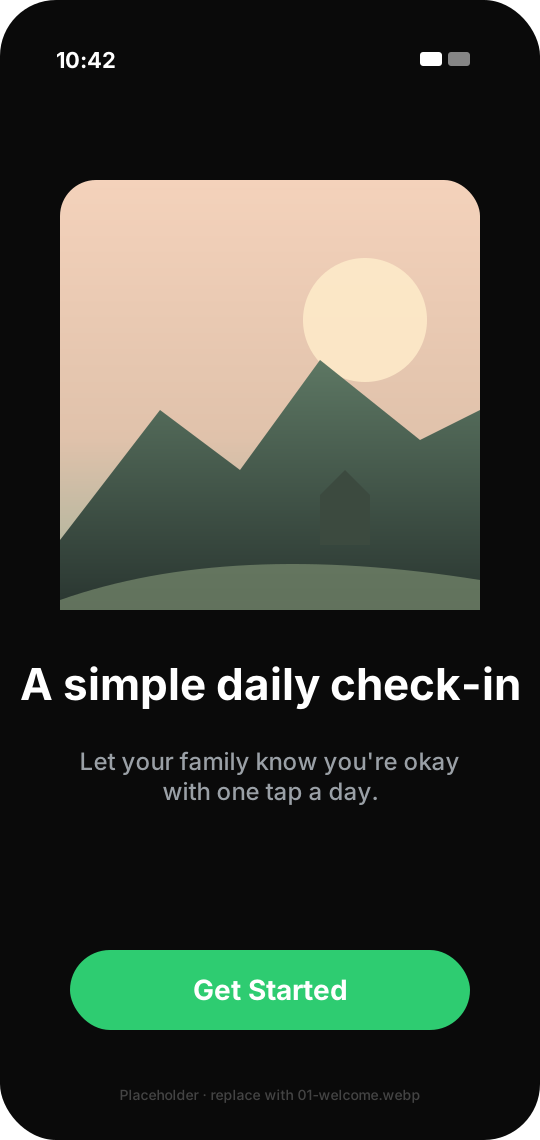
A simple daily check-in
Record a daily check-in with one tap. If it remains overdue, the service can attempt an email to designated contacts.
-
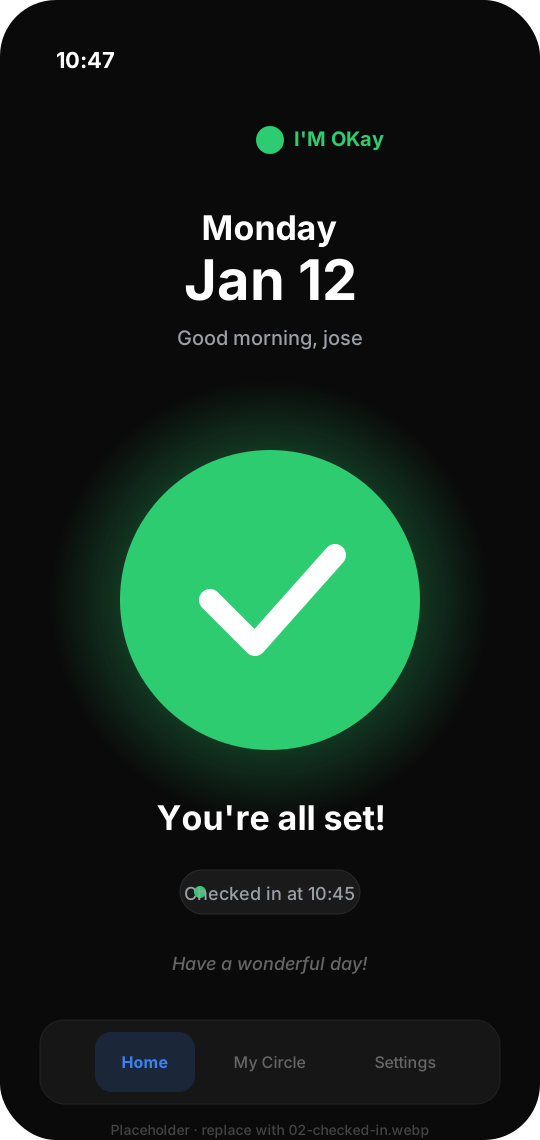
You're all set
One tap is all it takes to check in for the day. Peace of mind, without constant messages.
-
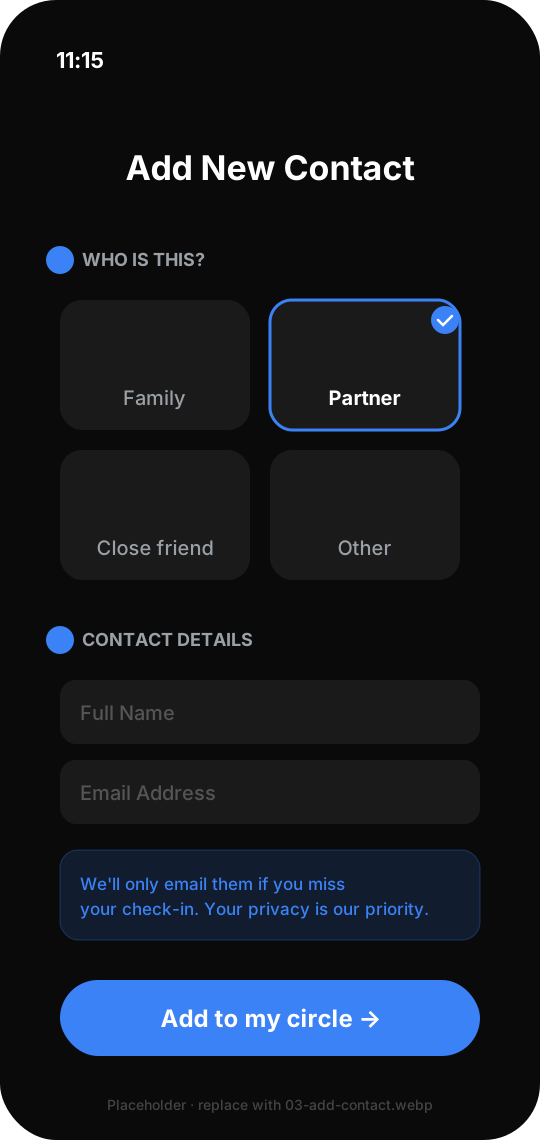
Your circle of trust
Add trusted contact details for overdue email attempts. Routine check-ins do not email them.
-
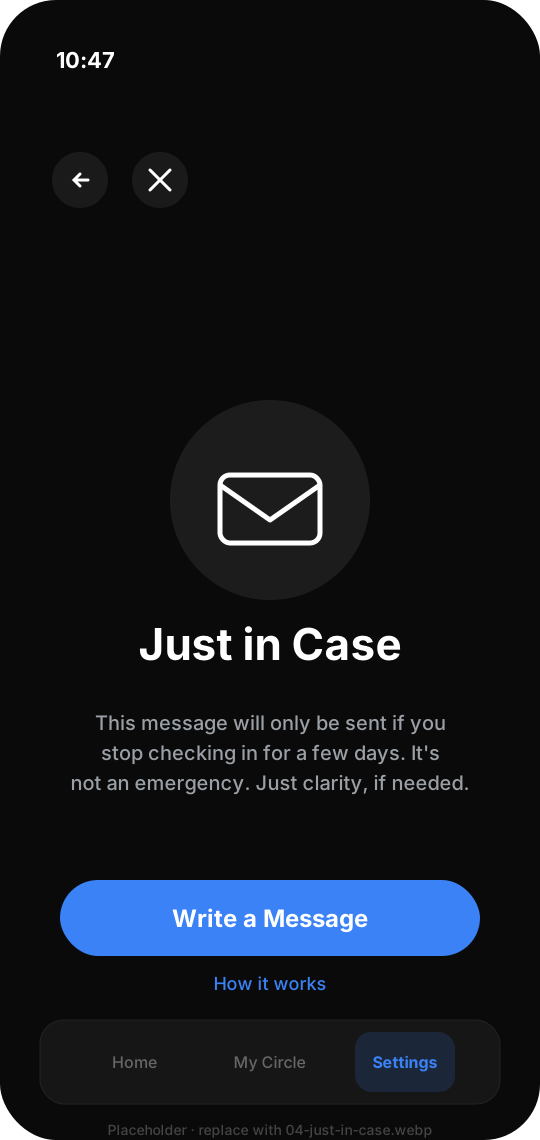
Just in Case
Store an optional message with your service settings. After the trigger, the service may attempt it by email; delivery is not guaranteed.
-
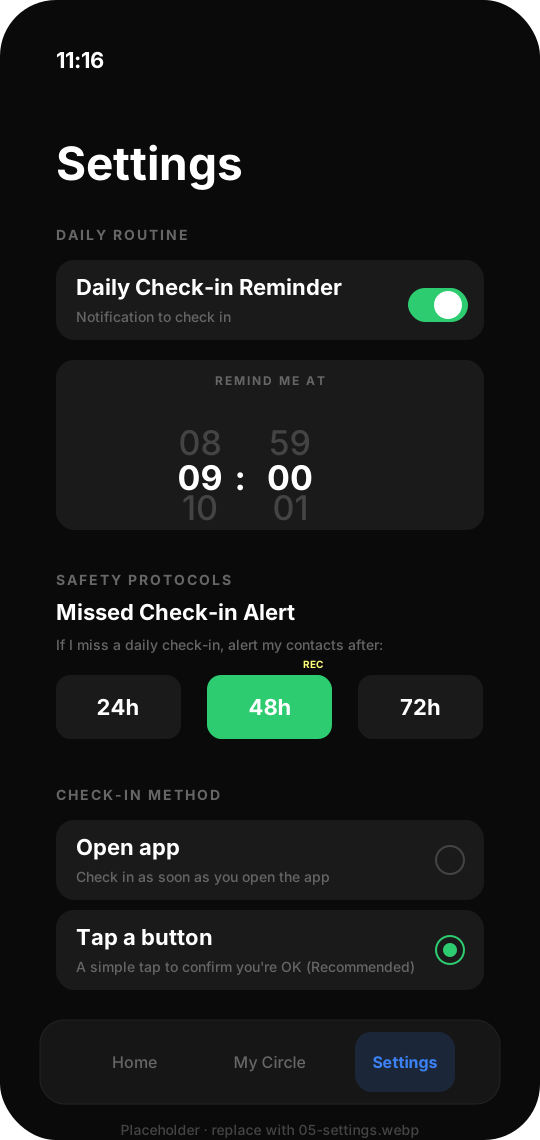
Simple safety, your way
Set a local reminder and an overdue window. Reminders depend on iOS permission and device settings.


How it works
Designed to be unobtrusive. The service can start a contact-email workflow only after a check-in remains overdue.
1. Check in daily
Open the app and tap the big green button once a day. That's it.
2. Nothing happens by default
If you check in, no messages are sent. Your independence is respected. Quiet by default.
3. Only if needed
If you miss your window, the service can attempt an email to your chosen contacts so they know it may be time to reach out.
Who is this for?
Living alone
Build a quiet daily reassurance routine without continuous monitoring.
Living apart from family
Close the distance with family members who care, without the daily calls.
Valuing independence
Maintain your independent lifestyle with a deliberate check-in routine, not a monitoring service.
check_circle What it is
- check A quiet daily reassurance routine.
- check Designed for independence, not intrusion.
- check A way to keep your family informed without calling every day.
- check Install-and-go: no sign-up, no email, no password.
block What it is NOT
- close Not a GPS tracker. We don't watch where you go.
- close Not a health monitor. We don't read your vitals.
- close Not a social network. No feeds, no likes, no noise.
Just in Case
Write an optional message for a trusted contact. If check-ins remain overdue for the period you choose, the service can attempt to send it by email. It is not an emergency feature, and delivery is not guaranteed.
How it Works
- 1
Write an optional message
Explain it's for clarity, not an emergency. Ideally for peace of mind.
- 2
Set a trigger
Choose when the service should begin an email attempt after extended missed check-ins.
- 3
Review your status
The app shows the configured message and trigger; local reminders depend on your notification settings.
- 4
Email attempt
When the trigger is due, the service attempts an email to the selected contact. Connectivity, provider availability, and spam filtering can affect delivery.
Common Questions
Quick answers to help you understand how I'm Okay works.
schedule What if I forget to check in? expand_more
If a check-in remains overdue beyond your chosen window, the service can attempt a gentle email to designated contacts. It is not an alarm, and delivery is not guaranteed.
location_off Is my location tracked? expand_more
The app does not request precise location or use GPS-based location tracking. It processes device region, locale, and time-zone details as described in the Privacy Policy.
medical_services Is this an emergency service? expand_more
No. I'm Okay is a simple daily check-in tool for peace of mind. It's not a substitute for emergency services, medical alert systems, or professional care monitoring.
group Do my contacts need the app? expand_more
No. Contacts do not need to install anything. The service uses the email addresses you enter for overdue contact-email attempts.